Feb – Apr 2025 · Solo (case by a teammate) · C++, Pro Micro (ATmega32U4), CD74HC4067 multiplexers, Figma, soldering
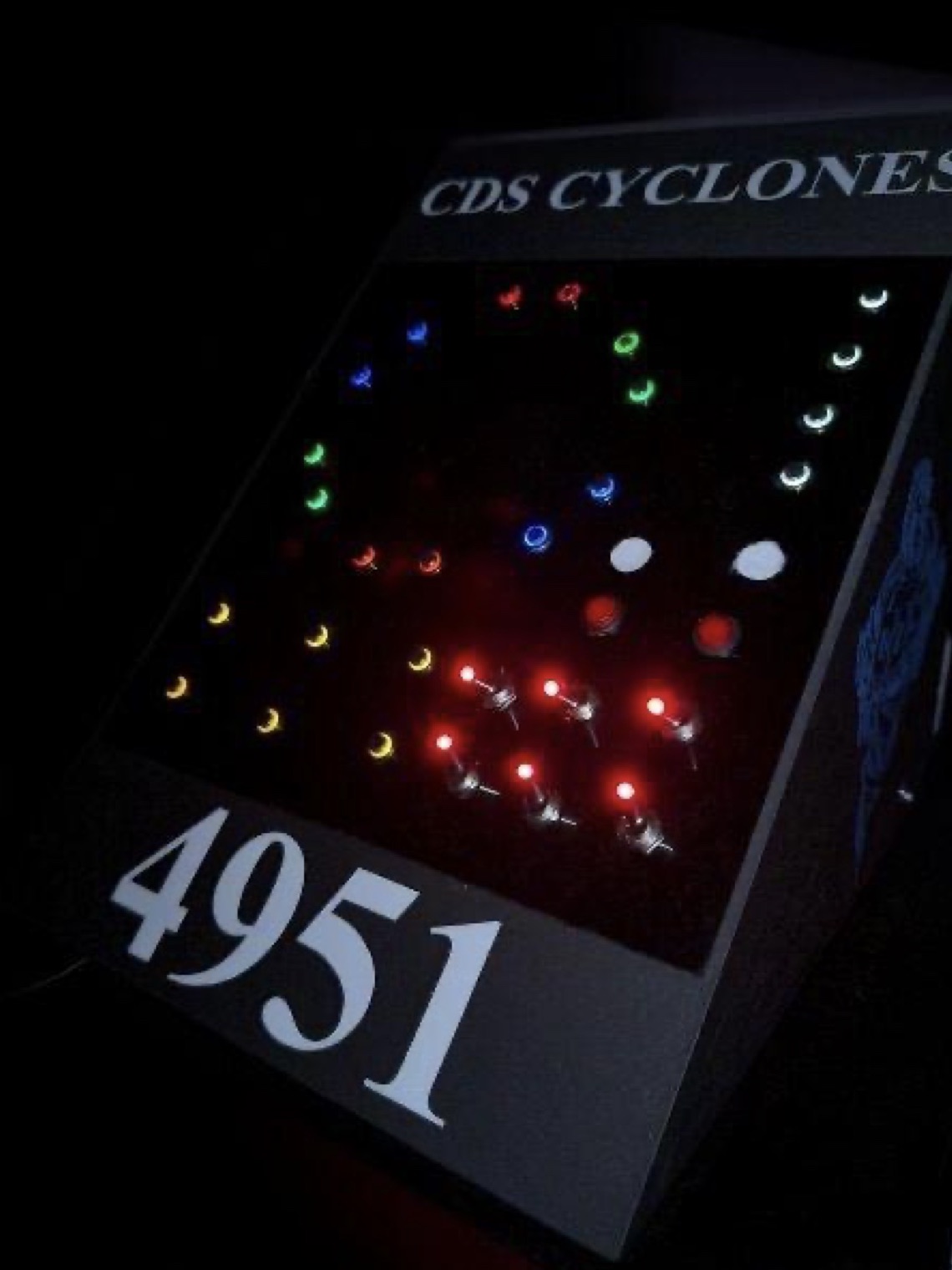
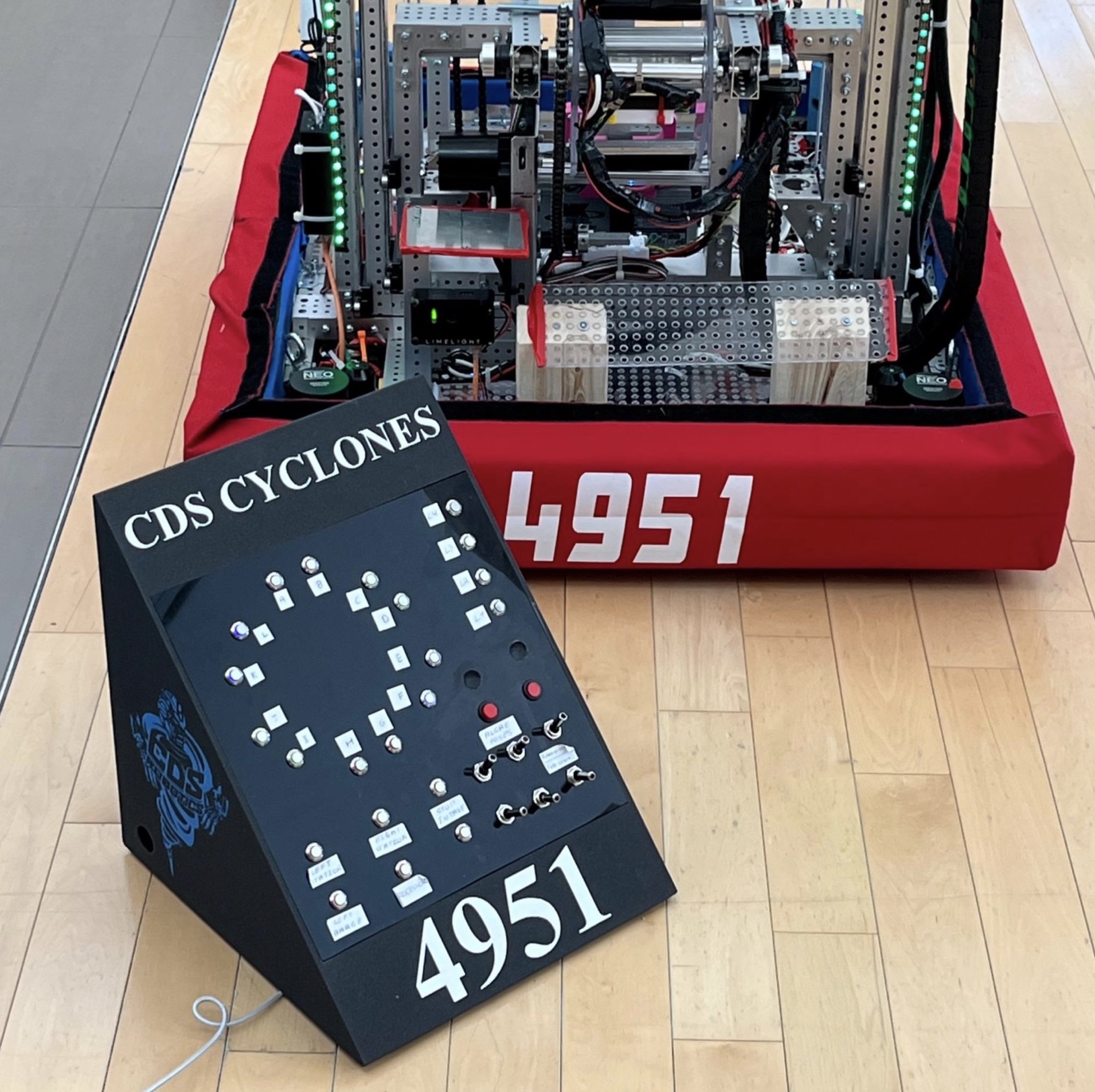
This is a driver-station input panel I designed, built, and programmed solo for my FRC team, Team 4951, during the 2025 Reefscape season. A single Xbox controller had too few buttons and a generic layout, so I built a 30-input board laid out like the field itself.
Design
Our robot code had a state machine that decides what every subsystem does, like scoring coral, intaking algae, or scoring on the barge and processor. That keeps the driver’s button sequence the same for every task, but it meant the second driver needed a fast way to pick the target, plus extra controls for things like switching between robot- and field-oriented driving, resetting the gyro, or recalibrating the elevator and pivot encoders.
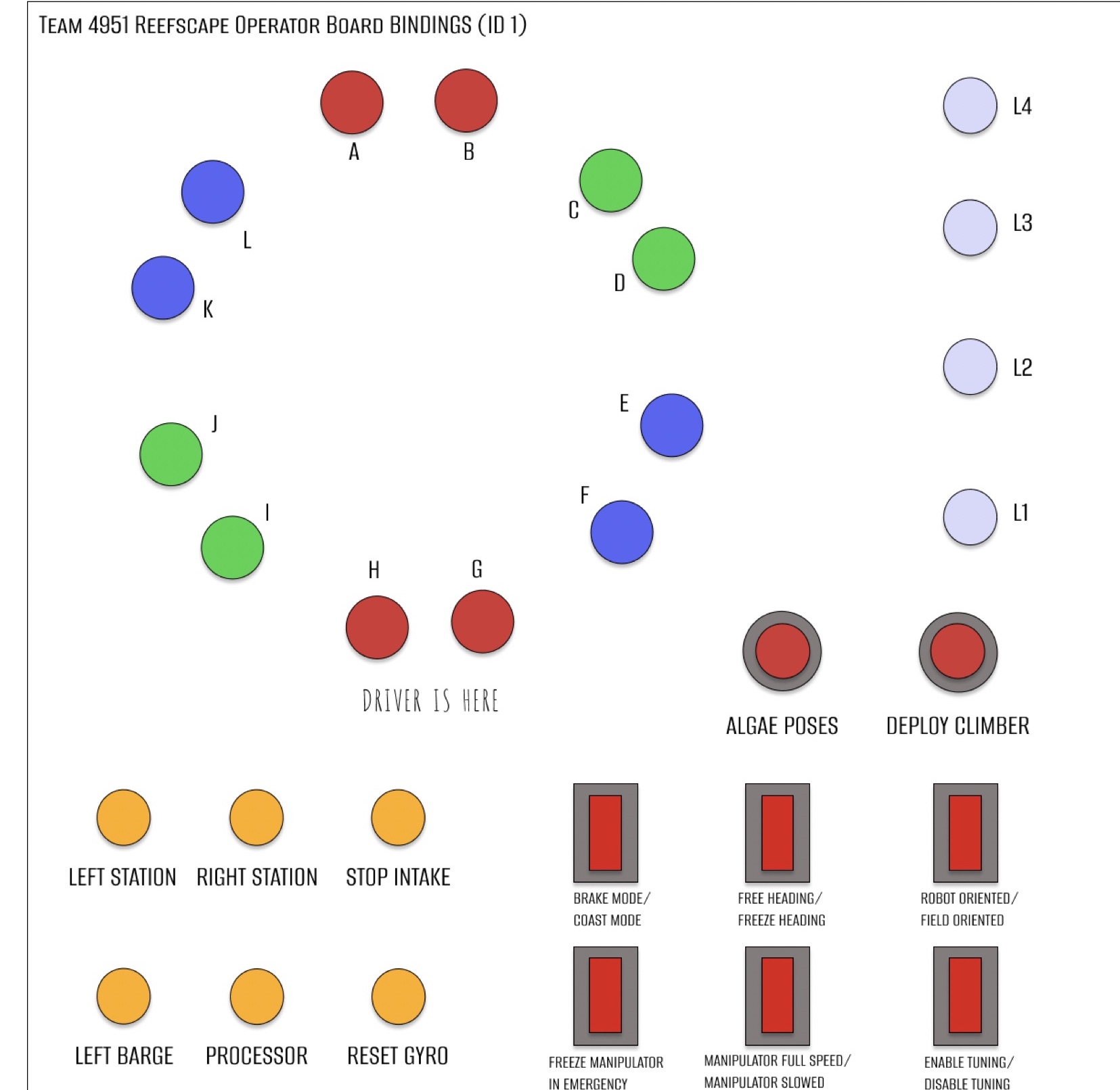
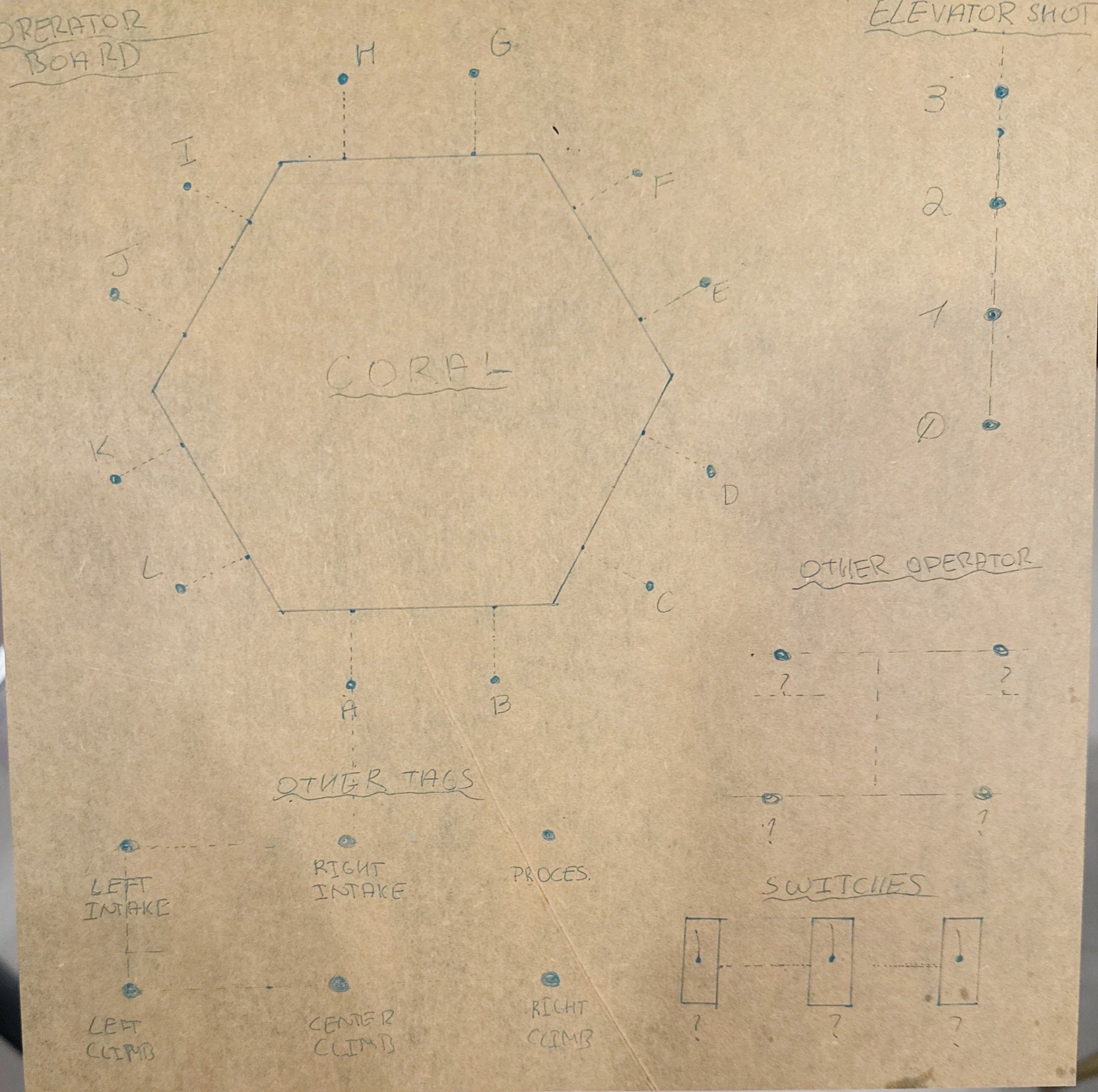
I designed the layout with our drive team in Figma, in the shape of the reef on the field, then sketched it straight onto a 12” by 12” acrylic board. Twelve buttons, A to L, are the coral scoring poses around the reef, and four more pick the level, L1 to L4. Picking a pose lets the driver rotate the robot to face that side of the reef, and once the Limelight sees the matching AprilTag, the robot aligns itself to the pose. The rest of the board covers the intake stations, barge and processor scoring, an algae mode that reuses the A to L buttons, and six switches for things like brake mode, field-oriented driving, and tuning.
Hardware & Electronics
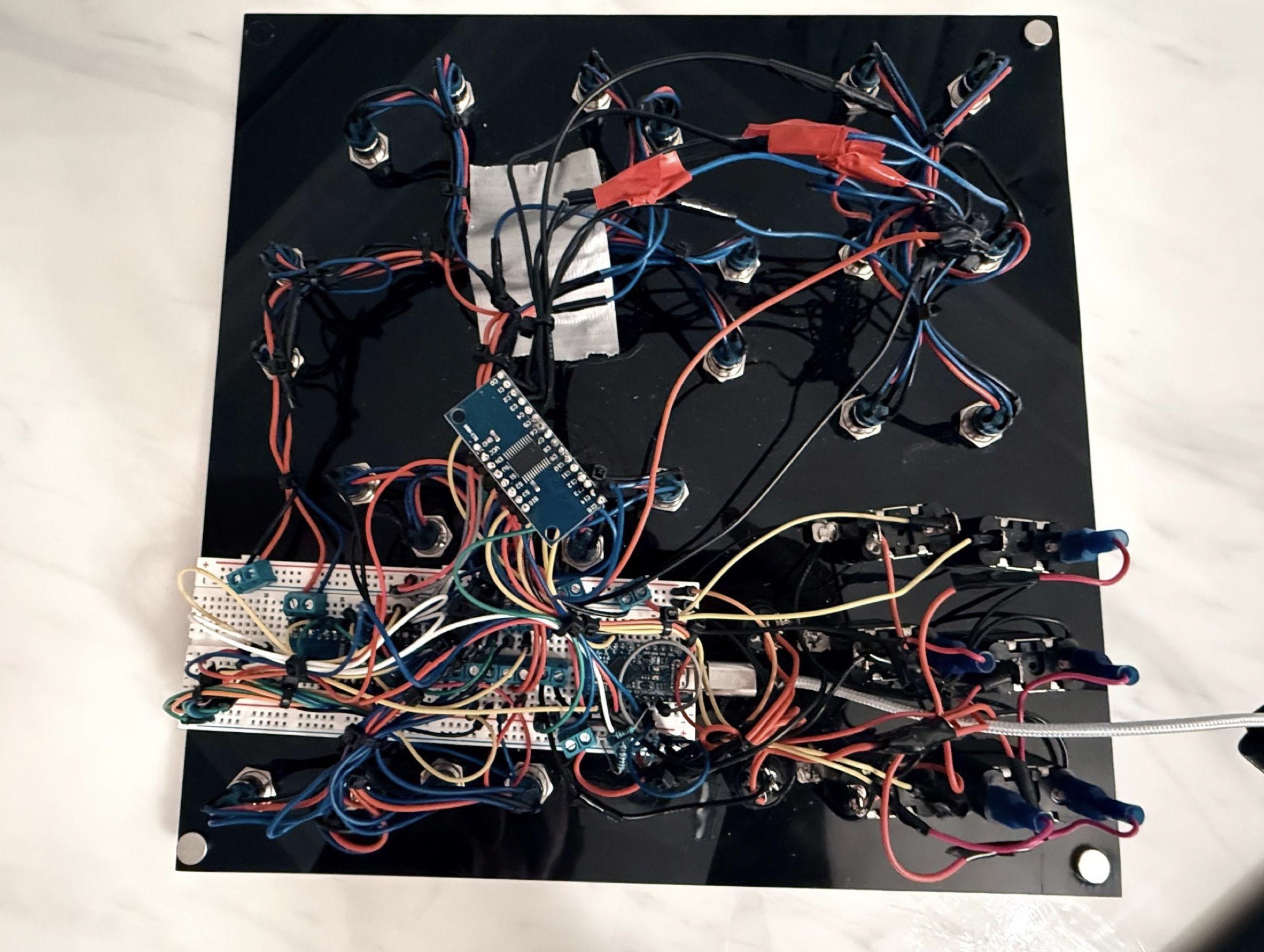
I drilled the acrylic, installed 24 buttons and 6 switches, and wired and soldered every one of them. A Pro Micro (ATmega32U4) doesn’t have 30 inputs, so the buttons go through two 16-channel CD74HC4067 multiplexers, with the grounds and power from each section soldered together and brought to a terminal block.
Two problems showed up once it was wired. At first, presses took up to 5 seconds to register; adding a pull-down resistor to each multiplexer signal pin brought that down to milliseconds. The Pro Micro also kept losing its firmware and needed a redeploy, so I added a 10 kΩ pull-up resistor to its reset pin to keep electrical noise from resetting it.
My teammate Atlas MacDonald designed the 3D-printed case, with a handle on the back, a side hole for the cable, and magnets in the corners that hold the board in place but still let it come out for rewiring.
Firmware
I wrote the firmware in C++. Every 20 ms, it scans all 30 inputs through the multiplexers, reading each channel as an analog value against a threshold, and the board shows up to the FRC driver station as a regular USB joystick. Every input is one object with its own type (toggle, momentary, hold, or switch), so adding buttons was easy, and toggles and momentary buttons have a 200 ms press lockout so one press never counts twice.
As the robot changed over the season, I kept updating the bindings, sometimes right at the competition.
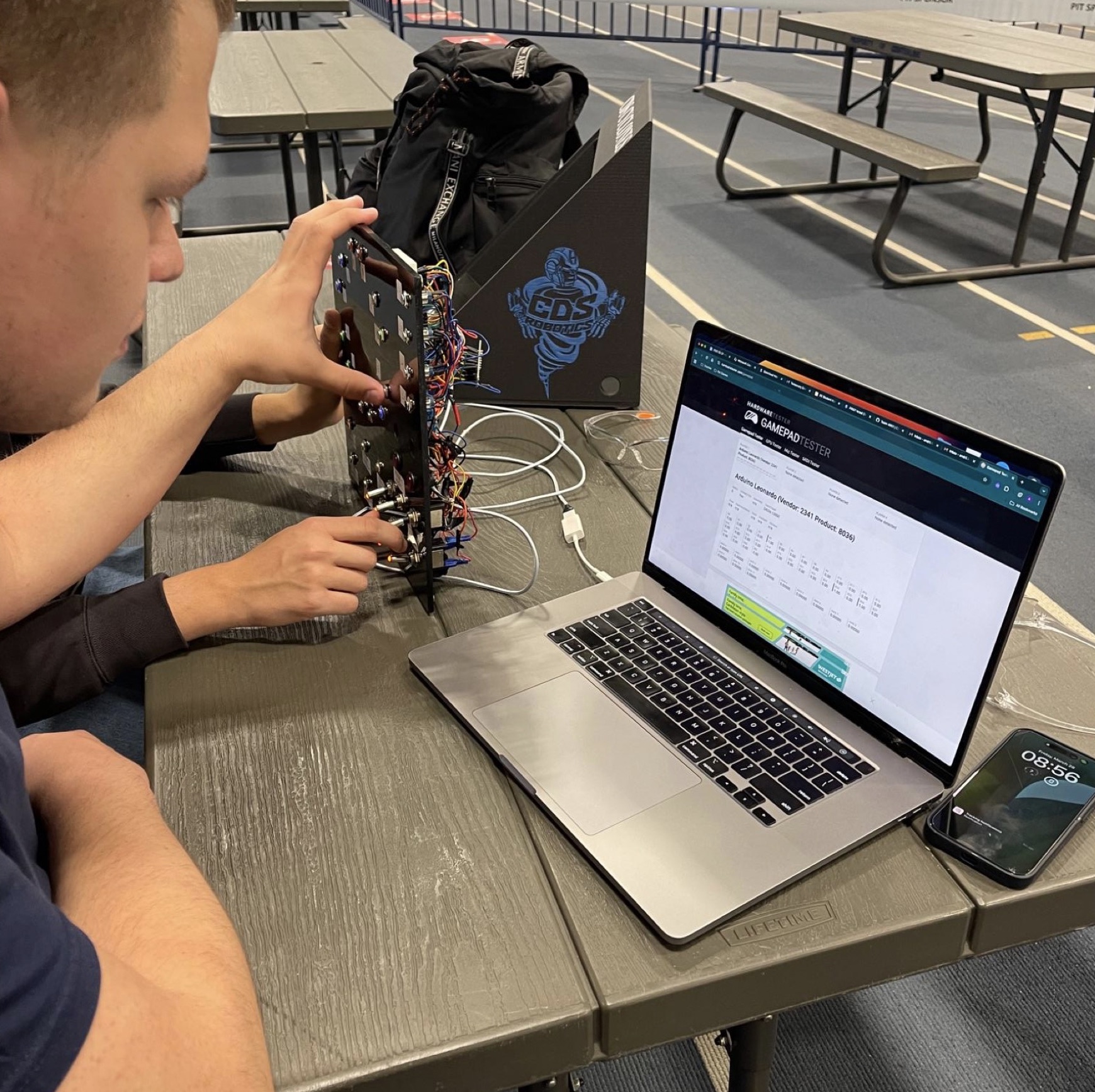
For safety, the drive team also had two backup controllers: an Xbox controller with the board’s most important functions in case it failed, and an emergency controller that could move the pivot, elevator, and intake by hand. The team chose the board for our 2025 Innovation in Control Award submission.